

Real-Time AnalyticsData WarehousingObservabilityAI/MLCloud
Prerequisites
There are no prerequisites for this quickstartWhat you’ll build
In this quickstart you’ll create your first ClickHouse Cloud service, familiarize yourself with the Cloud console and the built-in SQL console, and load an example dataset so you have real data to query. By the end, you’ll have a running ClickHouse Cloud service with data loaded, ready to use as a foundation for the rest of the quickstart series.1
Sign up for ClickHouse Cloud
Navigate to console.clickhouse.cloud. You’ll see the sign-in page. Click Register next to “Don’t have an account yet?” at the bottom.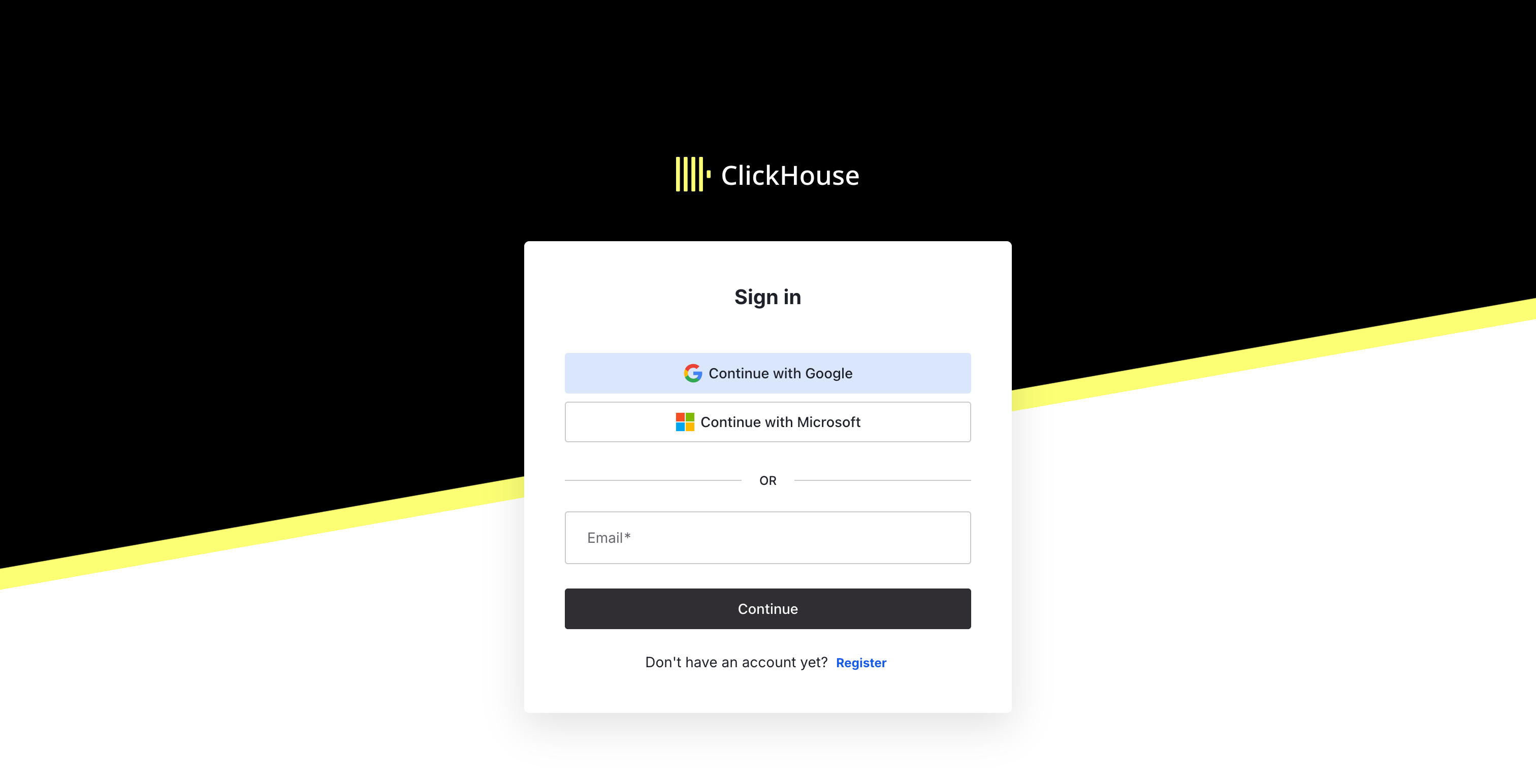
Click Register to create a new account
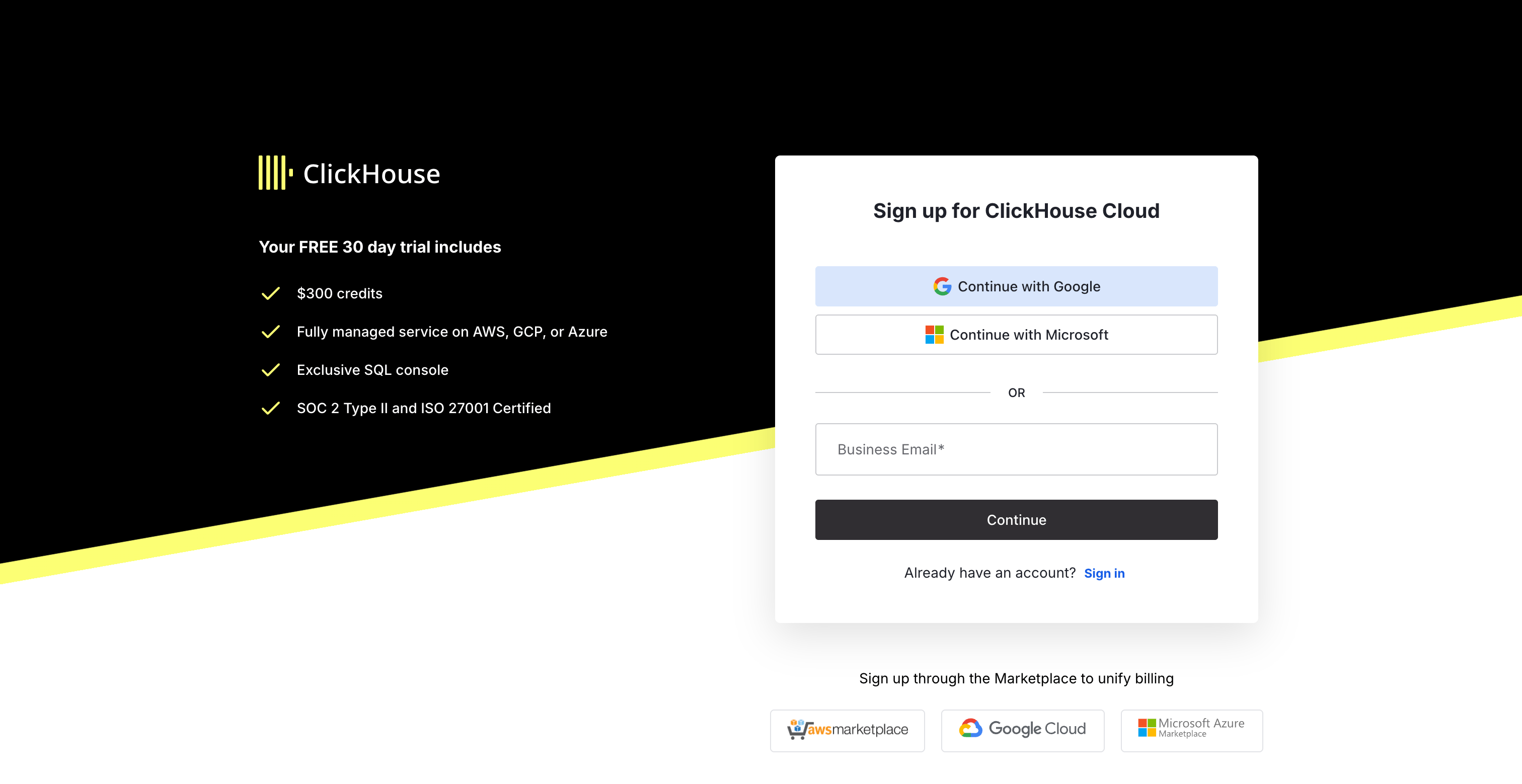
Sign up with Google, Microsoft, or your business email
- At least 12 characters
- At least 3 of: lowercase letters, uppercase letters, numbers, special characters (e.g.
!@#$%^&*)
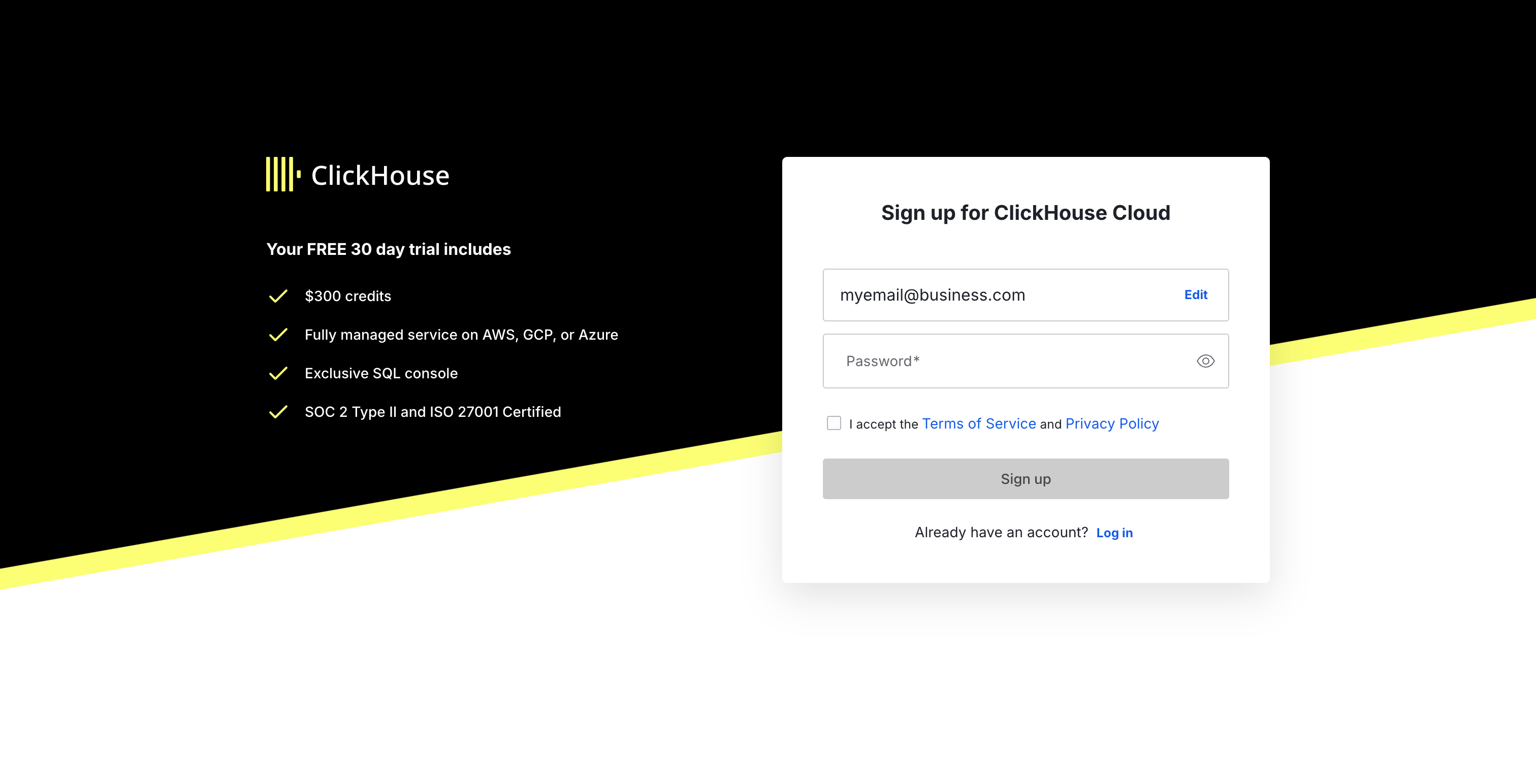
Enter your password and accept the Terms of Service
2
Create a new service
After signing in for the first time, you’ll be taken straight to the service configuration page. Configure the following:Click Create service to provision your service.
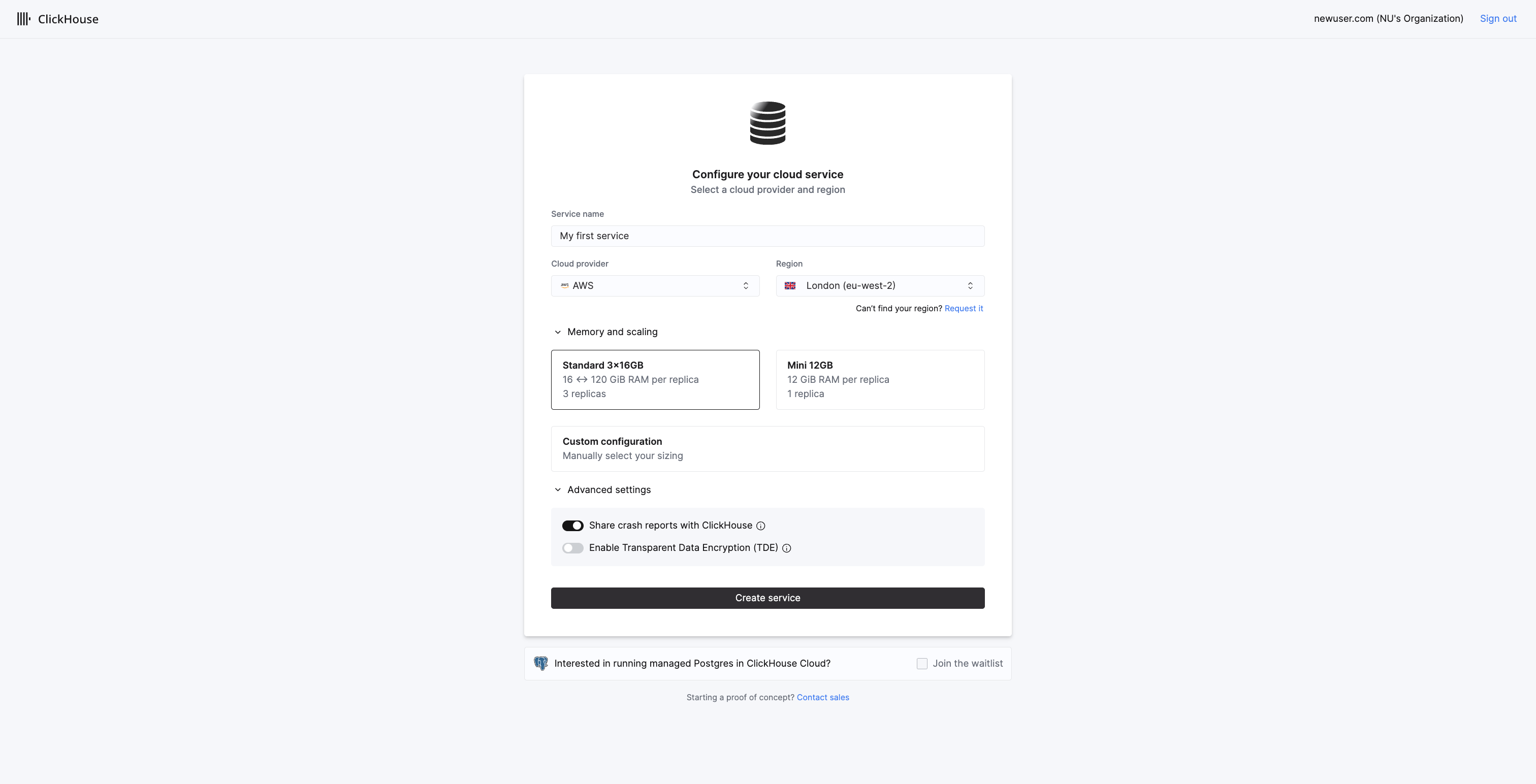
Configure your cloud service
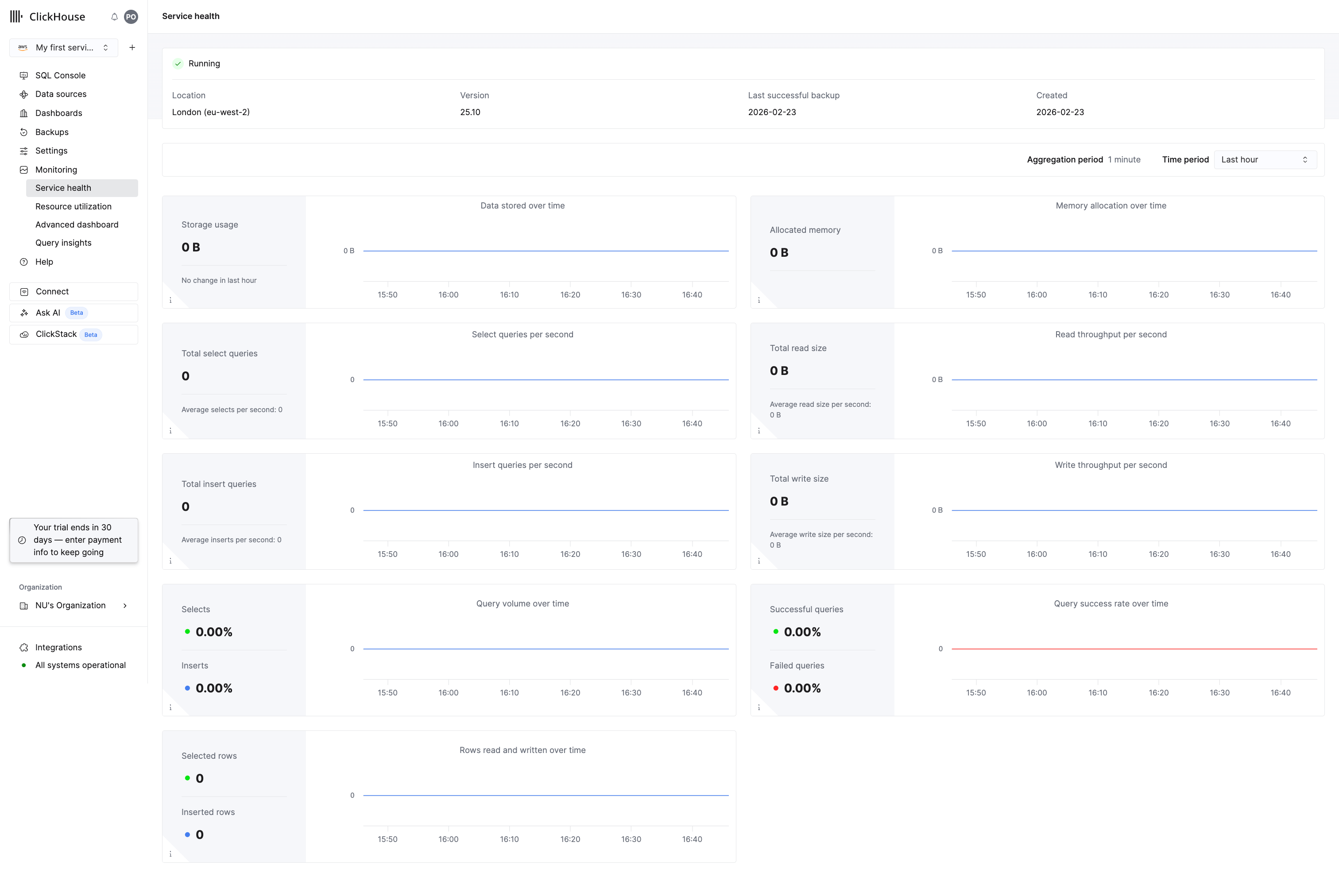
Your service is running
3
Load an example dataset
Click Data sources in the left sidebar. You’ll see several options for getting data into your service.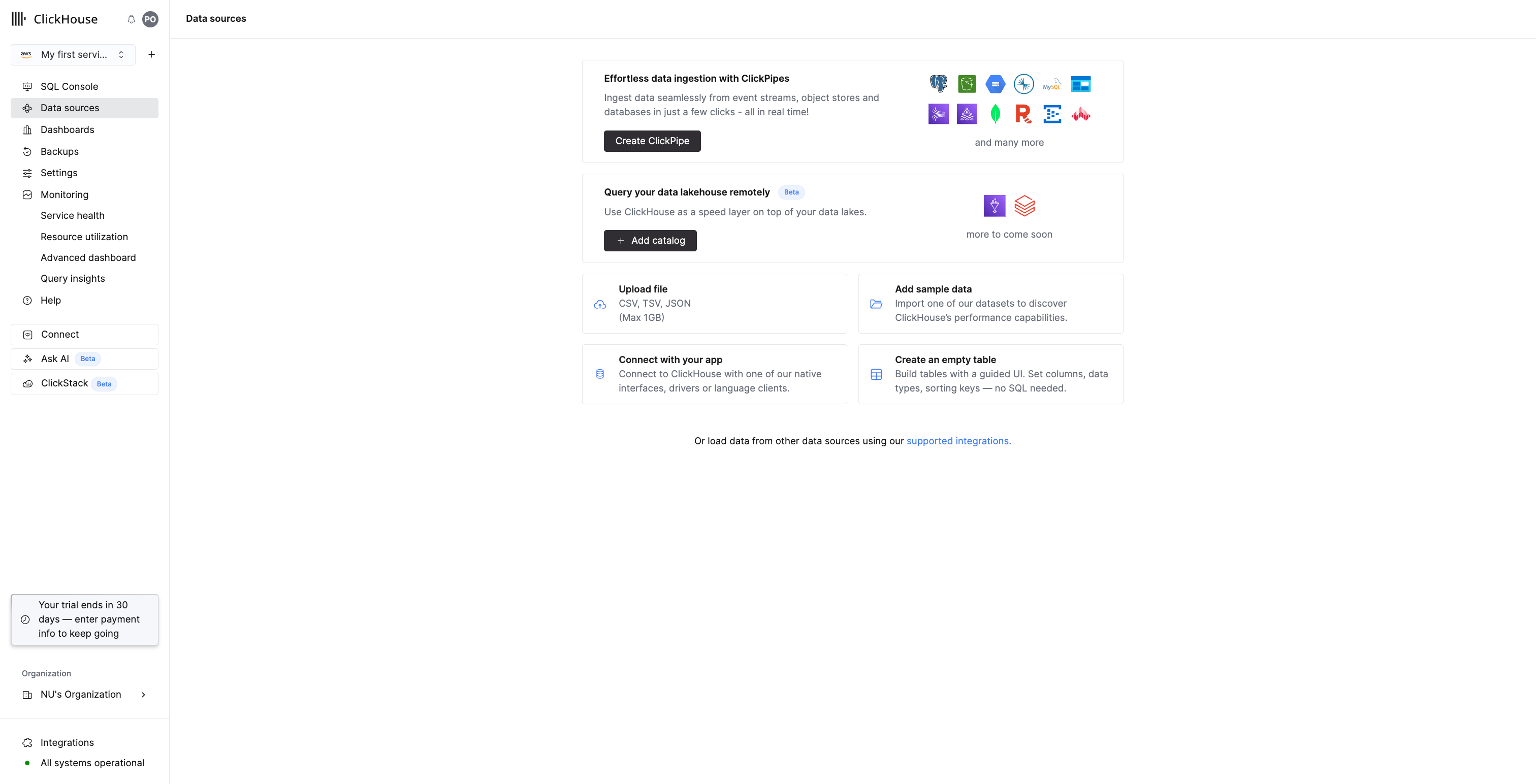
Data sources page with options for loading data
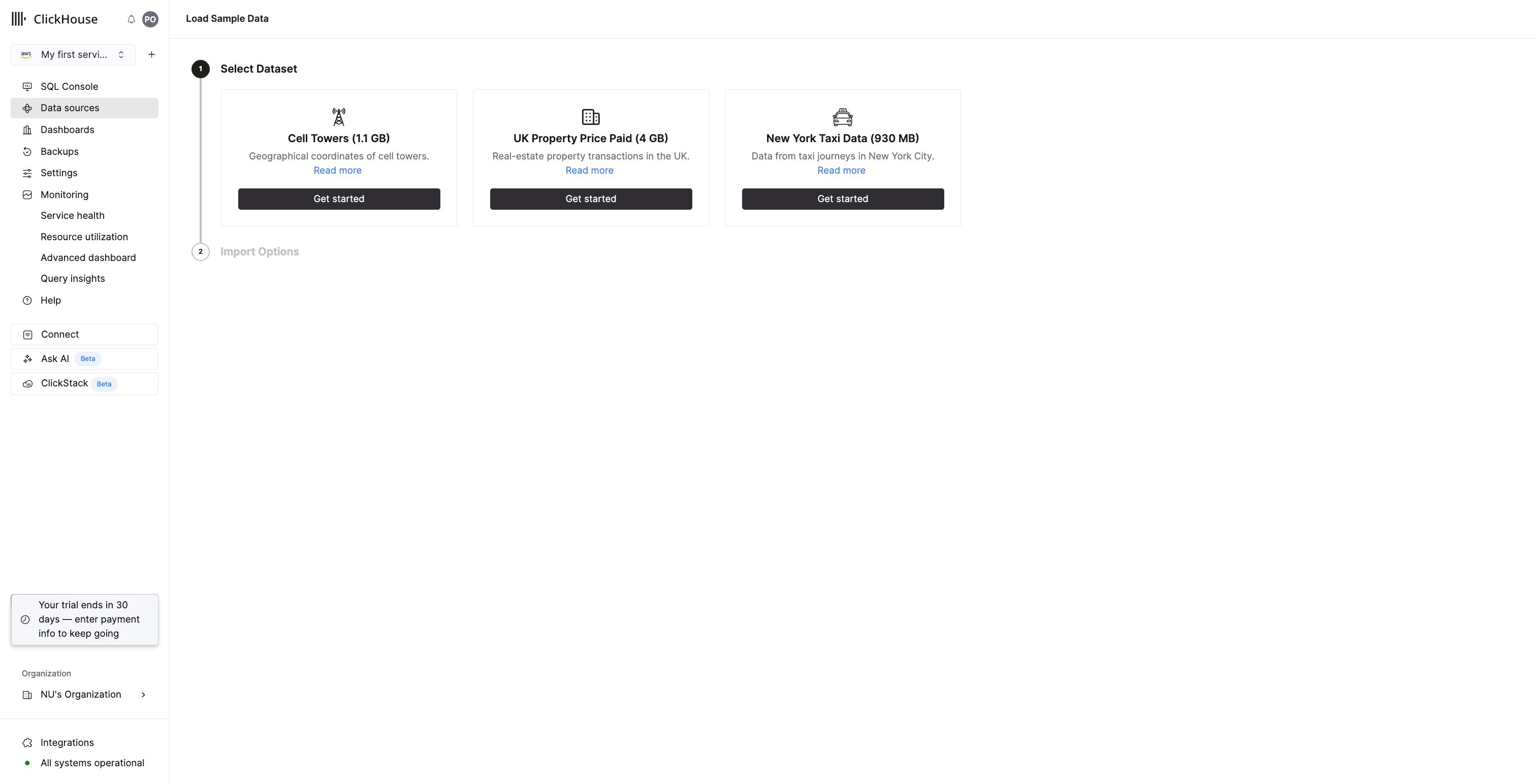
Select the UK Property Price Paid dataset
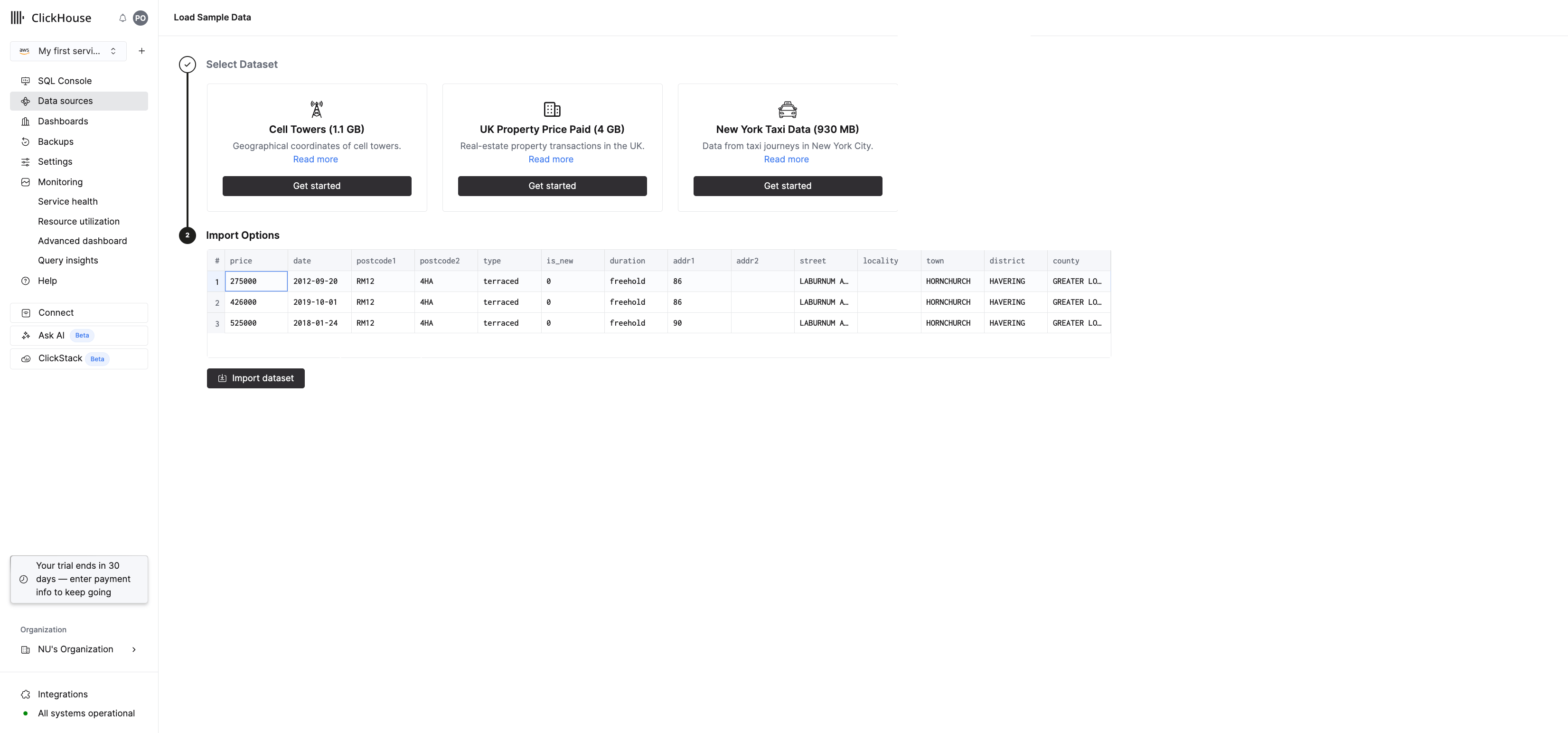
Preview the data and click Import dataset
4
Query the data
Click SQL Console in the left sidebar to open the built-in query editor. This is where you’ll write and run SQL queries directly in your browser - no external tools needed.Try a few queries to explore the UK property price data.Find the most expensive properties ever sold:Next steps
You now have a running ClickHouse Cloud service with 30 million rows of real data loaded. This service and dataset are used throughout the rest of the quickstart series. Check out the following quickstarts next:- Obtain your Cloud connection details
- Create your first MergeTree table
- Insert data using clickhouse-client
Check out the ClickHouse academy for on-demand and live training